
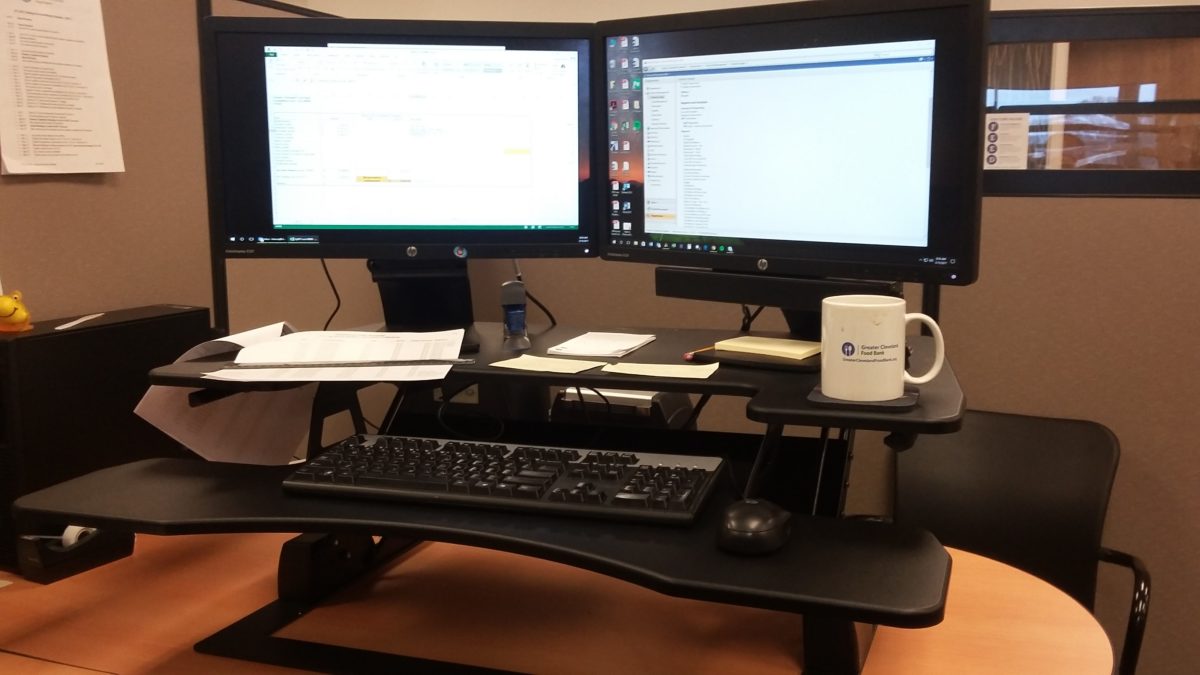
Adjustable Standing Desk Review
Turn you regular desk into a standing desk! Sit or stand as you wish.
[easyazon_link identifier=”B01NCKIU70″ locale=”US” nw=”y” nf=”y” tag=”thmone-20″ cart=”n” cloak=”y” localize=”y” popups=”y”]The Riser Desk Review[/easyazon_link]
“Look at you standing at your desk!” is the most heard comment since I starting using my adjustable standing desk by Fancierstudio. A handful of us has gone to a standing or sitting configuration in our office. Most people have approached the standing desk in a more ‘Do It Y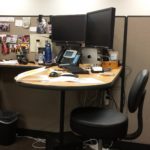 ourself’ approach by modifying their cubicle desk to a permanent standing position.
The desk in this picture is moved up to the desired height by adjusting the points where it hangs on the cubicle wall. The support for the desk is simply a length of threaded pipe and a flange screwed into the bottom of the desk surface. As you can see, he does have a chair to sit on that is more like a [easyazon_link identifier=”B002FL3LTE” locale=”US” nw=”y” nf=”y” tag=”thmone-20″ cart=”n” cloak=”y” popups=”y”]swiveled bar stool[/easyazon_link] that allows him to sit when he wants to.
I was going to go the DIY route too, and did buy a length of threaded pipe and a flange, but I ran into a problem with the [easyazon_link identifier=”B01IDN0ID4″ locale=”US” nw=”y” nf=”y” tag=”thmone-20″ cart=”n” cloak=”y” popups=”y”]swivel arms for my monitors[/easyazon_link], so I scratched that idea. My other co-worker has one of the adjustable standing desk risers and I like that better than a more permanent adjustment. I decided to go that route.
Useability
My riser desk has plenty of space for dual monitors. There is also mousing room on the right and document room on the left.
The adjustability of the standing desk is good because there are eight settings that you may use. Pull the handles out and pull it up to the desired height. They say the proper height is when your forearms are at a ninety-degree angle to the platform. I am able to achieve this comfortable positions by using a [easyazon_link identifier=”B0153NEAHW” locale=”US” nw=”y” nf=”y” tag=”thmone-20″ cart=”n” cloak=”y” localize=”y” popups=”y”]non-fatigue floor pad[/easyazon_link]. I can get my monitors to a straight line of sight by adjusting their height as well.
I’ve had my Riser desk for 3 months now and I really like it! I now spend 80% of my day standing and 20% sitting and am comfortable standing or sitting. My stiff joints are gone now when I get up from my desk. I really cannot comment on any health benefits because I have not experienced any yet. I believe those are more long term benefits.
The Riser Desk is a more economical alternative to the Varidesk. The operation and ease of installation make it a perfect choice for those who want to dip their toe in the water of standing desks, but don’t want to permanently change their workstation or break the budget.
[easyazon_cta align=”center” cart=”n” cloak=”y” identifier=”B01NCKIU70″ key=”small-light” locale=”US” localize=”y” nw=”y” nf=”n” tag=”thmone-20″]

 The handle is hard plastic and sufficiently bulky to hold the press. The press comes with a lid and integrated strainer, a replacement strainer screen, and the body of the press itself. It has metal feet, and the lid, strainer and screen are made well.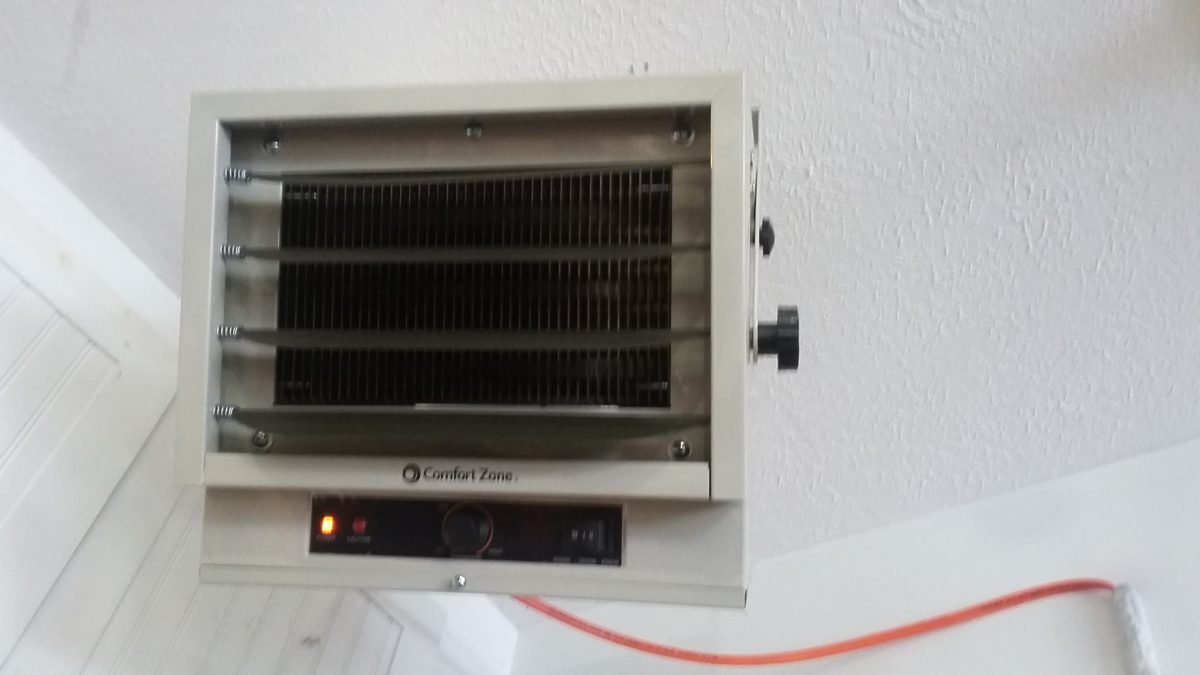
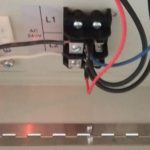 Unscrew the bottom panel on the unit and feed the wire through a knockout on the side - you will need your own romex clamp to secure the wire to the unit. There are two terminals to screw down the power and then a separate screw for the ground.
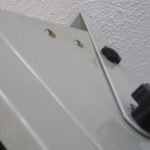 I wound up using the third angle to aim the heat down. There are also four vanes on the unit that can also be angled to fine-tune where you want your heat. Once the unit is running you can readjust the position of the heater and the vanes to your liking.
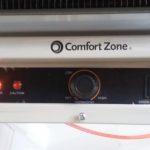 Which setting you choose depends on how cold it is and how fast you want to heat up your work area. I leave mine on the lowest setting unless it is cold and I want to bring the temperature up faster. The heater runs just as well on all three settings with a noticeable difference in heat output.